AICoverMaker Cloud
Last update: March 24, 2026
Introduction
- This is a cloud-based alternative to run AICoverMaker, Applio RVC Fork, only for people who don't have a good PC GPU, with a Web User Interface.
Choose your Cloud Service
Set up the program using your preferred cloud service guide. Once configured, use the Public Tunnel URL to open the interface and continue with the next steps

Google Colab Web UI
Decent performance and easiest setup for standard use.
Kaggle
Generous free GPU quotas. Great alternative if Google Colab is limited.
Google Colab
Google Colab Service
Check the Google Colab Glossary for more info on Free Tier, Limits, Verification, Pricing and other things.
Disallowed Activities: Running Web UIs on the Google Colab Free Tier is a violation of Google's Terms of Service. Please be aware that Google’s detection systems operate mid-run, not just at startup; even if you bypass the initial "Disallowed Code" check through encryption, your session remains at risk. Persistent violations can lead to a progressive penalty: starting with reduced GPU availability and potentially escalating to a permanent restriction of your Google account's ability to execute Colab notebooks. See Google's official policy for more information.
Installation & Setup
-
Go to the AICoverMaker Colab and run the first cell.
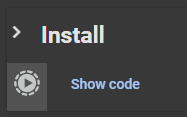
Installation may take a couple of minutes, be patient.
-
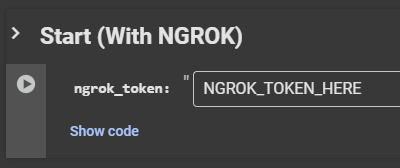
Next go to the second cell and put your ngrok token in the text box and run it. If you dont have a ngrok acount sign up here and you can authenticate your ngrok tunnel agent here.
-
(Optional) You can choose not to use Ngrok if you desire to by running the third cell.
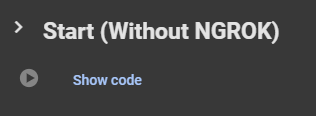
- Once you've run either the cell with or without ngrok a link under the cell will apear, click it and it will take you the WebUI.
Kaggle
Kaggle Service
Check the Kaggle Glossary for more info on Free Tier, Limits, Verification, Pricing and other things.
Account Setup
- Start by making an account here.
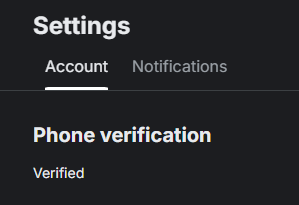
- Verify your account with a phone number. This is required to enable the "Internet" option in your notebooks, which is necessary for downloading models and dependencies.
Installation & Setup
-
Go to the AICoverMaker Kaggle notebook and click
Copy & Editon the top right.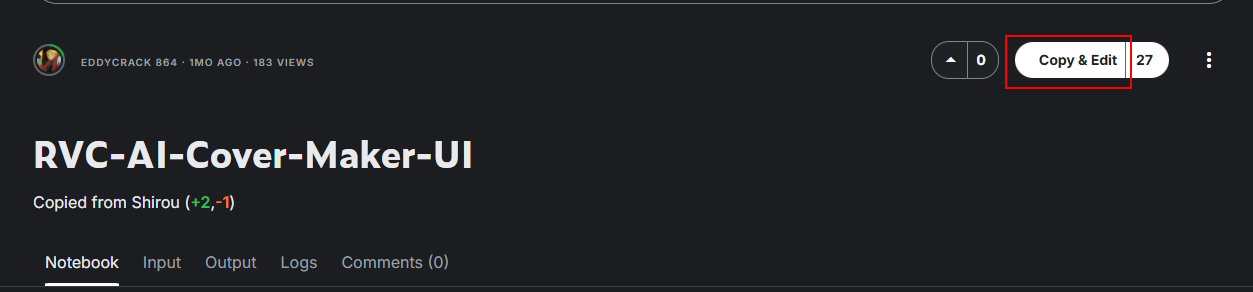
-
Once you're in the notebook run the first installation cell. Once it's done it will output
Requirements installed.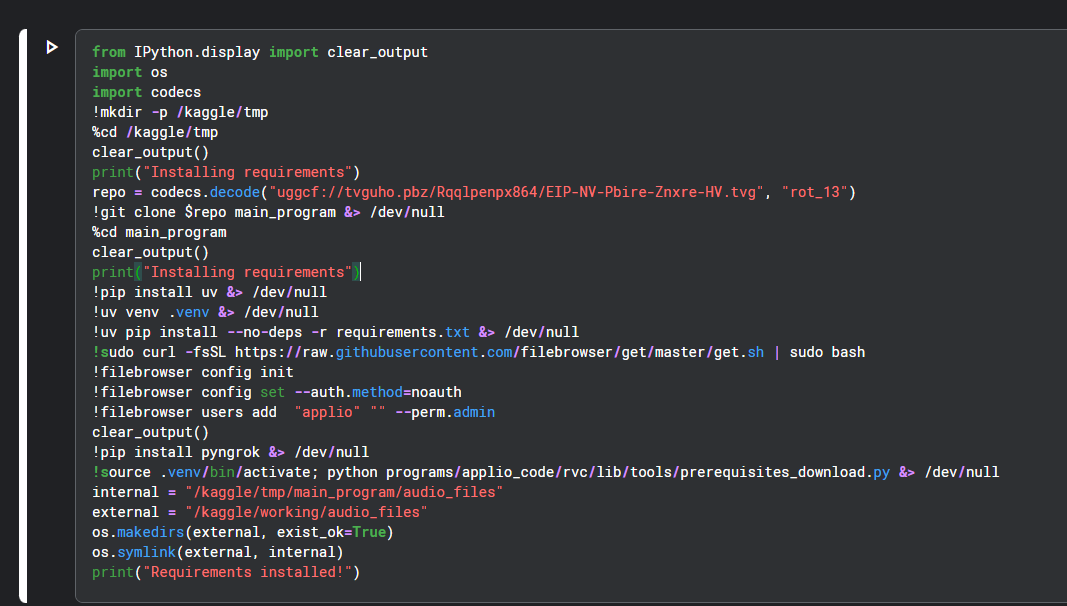
Installation may take a couple of minutes, be patient.
-
Next go to the second cell and put your Ngrok token in the
TOKEN HEREspot and run it. If you dont have a Ngrok acount sign up here and you can authenticate your ngrok tunnel agent here.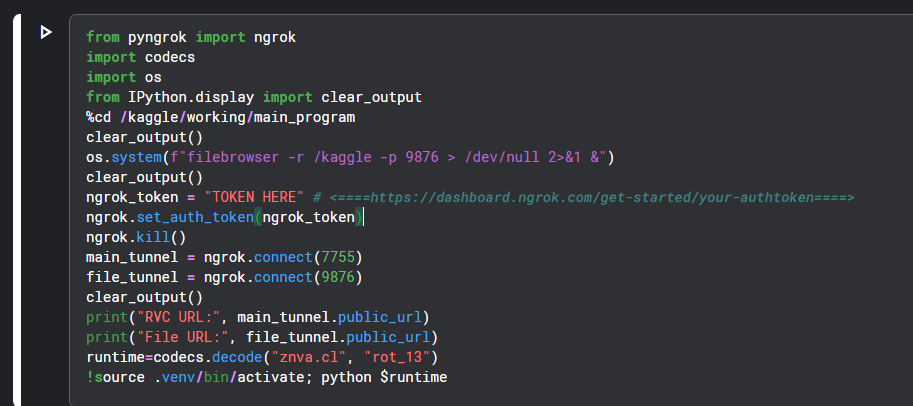
-
Once you've run the final cell a ngrok link will appear under the cell, click it and it will take you the WebUI.
Downloading Music & Models
Music Download
-
When in the UI look at the top left and look for the tab named
Download Musicand click it.
-
Then put the song you want to download in the text box and click download.
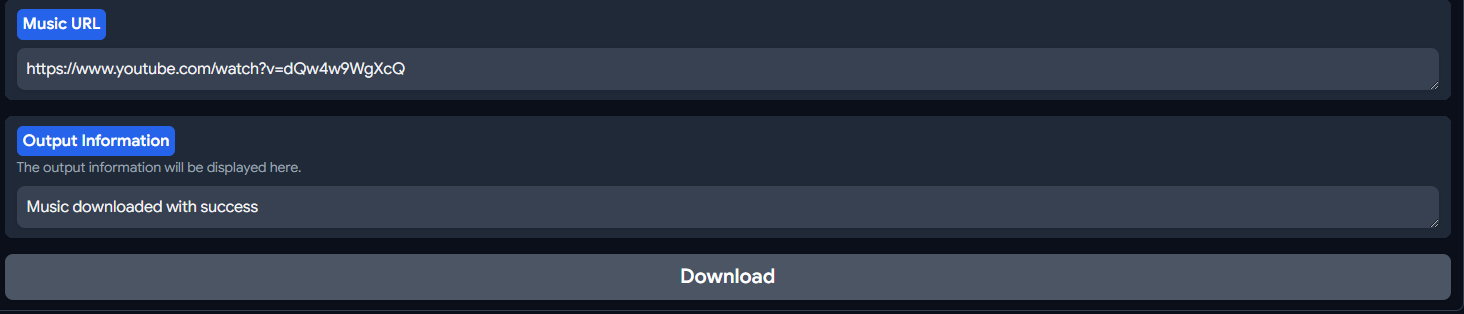
Model Download
-
In the UI look at the top left and look for the tab named
Download Modeland click it.
-
Then put the model you want to download in the text box and click download.
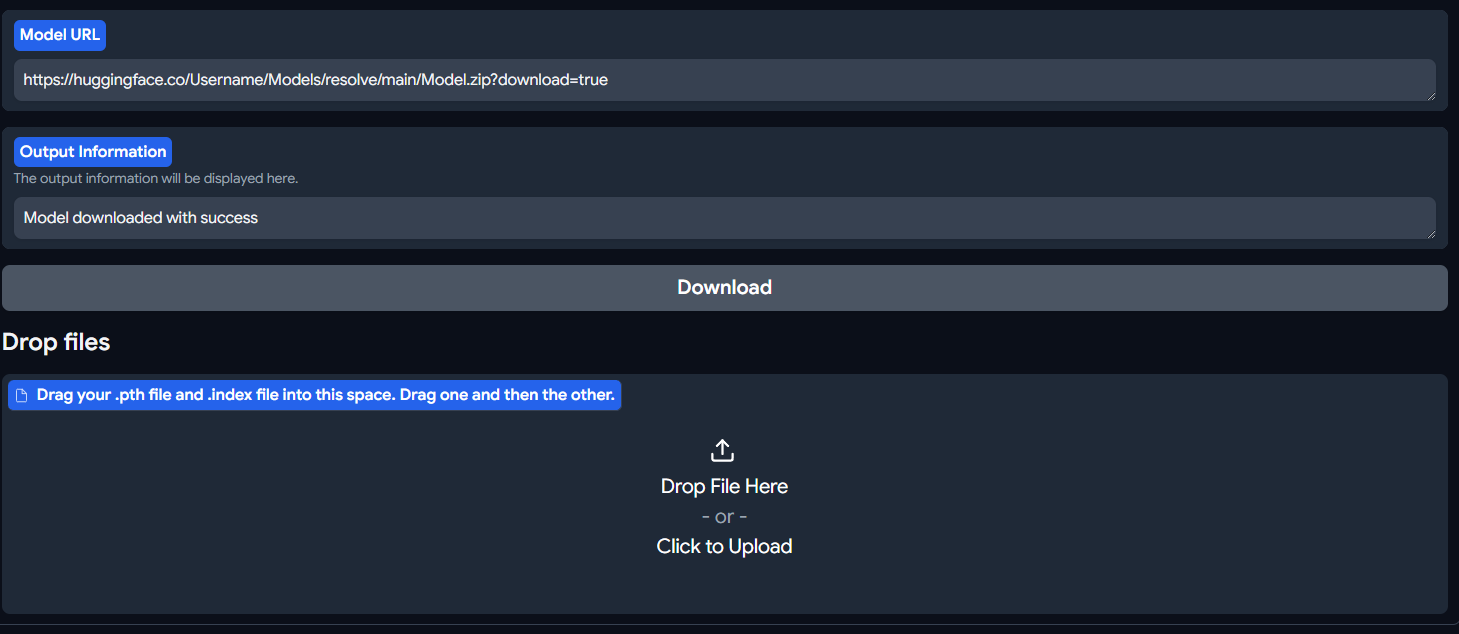
- You can also drag and drop your model in the
Drop filesbox to upload them directly.
Inference
Please use our Inference Settings guide to find out the inference settings do what.
TTA - results in longer separation time, it gives a little better SDR score but hard to tell if it's really audible in most cases". it “means "test time augmentation", it will do 3 passes on the audio file instead of 1. 1 pass with be with original audio. 1 will be with inverted stereo (L becomes R, R become L). 1 will be with phase inverted and then results are averaged for final output.